Project · AI animated mythology reels
A story idea in, an animated reel out
How I make 2D animated mythology reels with Claude Code. Every character is drawn in code, and every action lands on its spoken word.
Sanjeevni is the first one: Hanuman's race to bring back the herb that saves Lakshman, told in 37 seconds with a Hindi voiceover and Hinglish captions. There was no animator and no AI image tool. Claude Code wrote the script, made the voice, drew the characters and animated every scene.
The problem
Animation takes days, and AI video can't keep Hanuman the same
Mythology stories travel well on Reels, and short videos are how I plan to grow Jai Hanuman, the devotional app I'm building. But a 2D animated reel usually means an animator and a few days for every story.
AI video tools are faster, but Hanuman's face, crown and colours change from one shot to the next, and the story stops feeling like one story.
Why I built it
Could one person make a reel that looks hand-animated?
I wanted to post stories regularly without a studio: a real script, a natural Hindi voice, characters that look the same in every scene, and actions that land exactly on the word that describes them. I started from Rahul's (@SocialCanvasbyRahul) playbook for 2D mythology reels and turned it into a pipeline that Claude Code runs end to end.
How it works
Five steps, run by Claude Code
I give Claude Code a story and approve two things along the way: the scene plan and the character designs. It runs everything else on my laptop.
-
You
A story idea. You approve the scenes and the characters.
-
Claude Code
Runs every step below, start to finish.
-
Script Claude
About 80 words of Hinglish in eight scenes: a hook, the story, a moral. Each line marks one key word, where that scene's big action will land.
01Ek chhoti si booti dhoondhne gaye Hanuman... aur poora pahaad utha laaye!
06Hanuman muskuraaye... aur poora parvat hi utha liya!
08Irada pakka ho, toh pahaad bhi halka lagta hai. Jai Bajrangbali!
// Three of the eight lines. The underlined word is where the action lands. -
Voice Kokoro · Whisper
Kokoro, an open-source voice model, reads the Hindi script on my laptop. Every word gets a timestamp, checked with Whisper, so the animation knows exactly when each word is spoken.
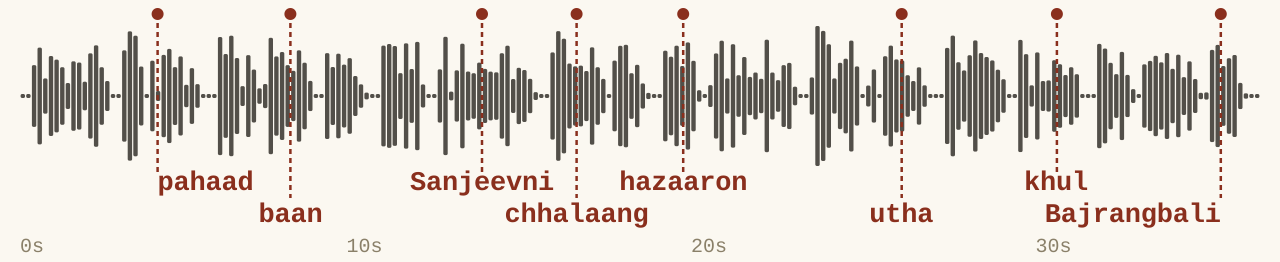
// The voiceover. Red marks: the eight words where each scene's action lands. -
Characters Python · SVG
Python draws Hanuman, Lakshman, Vaidya Sushen and the Dronagiri mountain as SVG code: shapes, not pixels. They look identical in every scene and stay sharp at any size.
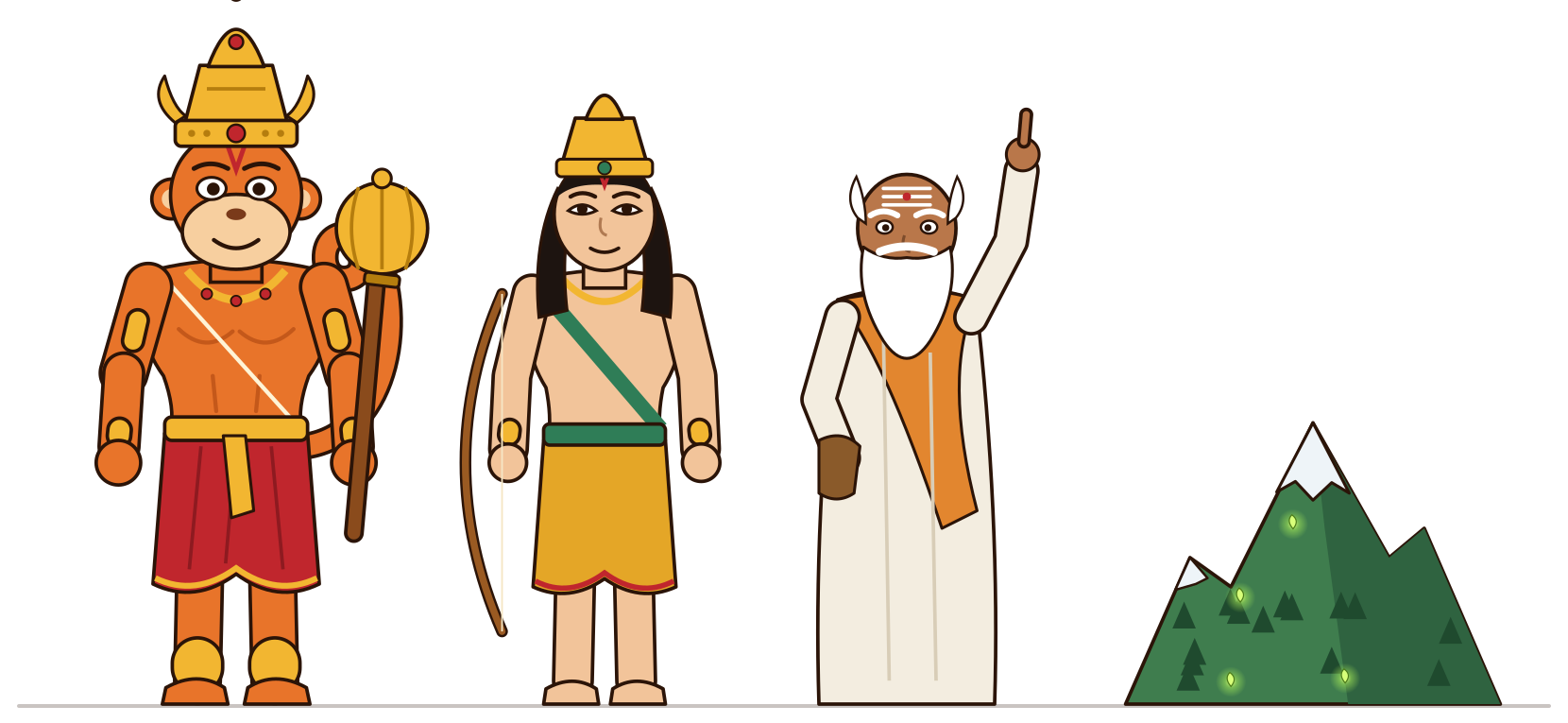
// The whole cast, drawn by the reel's own code. -
Animation GSAP · HyperFrames
Each scene is a web page animated with GSAP, timed so the action hits its key word: the mountain lifts on “utha”, Hanuman leaps on “chhalaang”. The captions light up word by word.
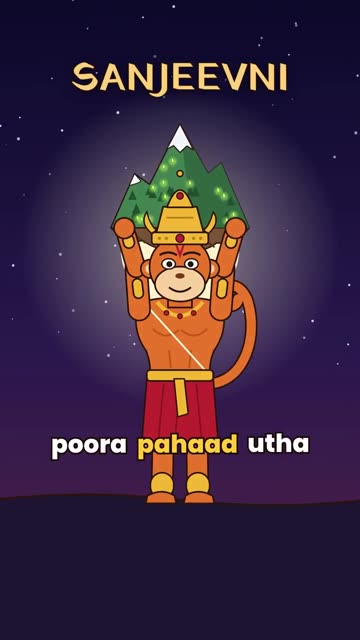
pahaad 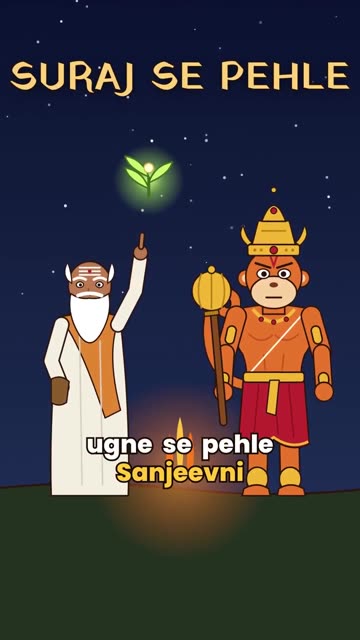
Sanjeevni 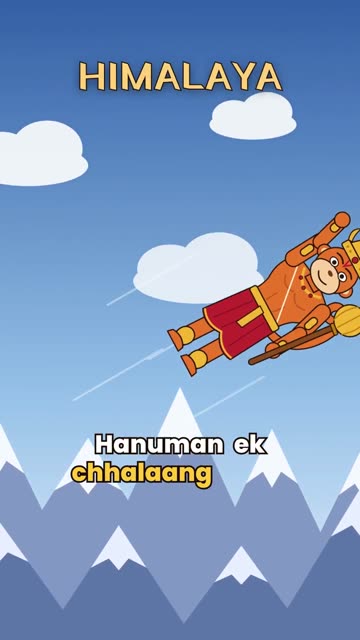
chhalaang 
utha 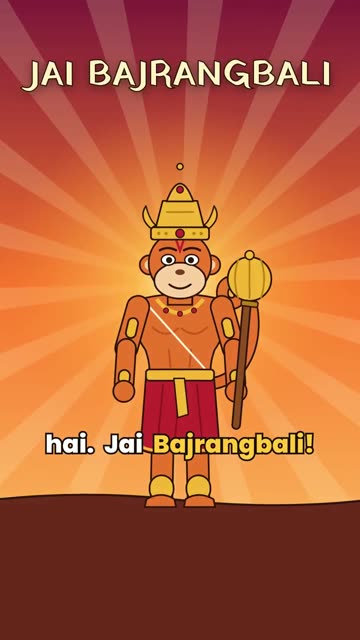
Bajrangbali -
Mix + render FFmpeg · HyperFrames
The voice is mixed with a background drone and sound effects, both also made in code. HyperFrames films the page frame by frame in Chrome, and out comes a vertical MP4, ready for Reels.
What's next
More stories, with the cast already drawn
The characters and every step are reusable, so the next story starts at the script. I'm also writing the whole workflow up as a step-by-step PDF: the tools, the prompts, the setup and the mistakes to skip.
More from the archive
 Jai Hanuman App
A daily Chalisa and jap app whose voice follows you as you pray.
Try the app →
 Brainrot Content
Tech explainer reels made by an n8n workflow, from a sheet row to an MP4.
Read how →
 McDonald's India Growth Study
Why McDonald's India stalled, and 25 ideas to win back dine-in, digital and trust.
Read the study →